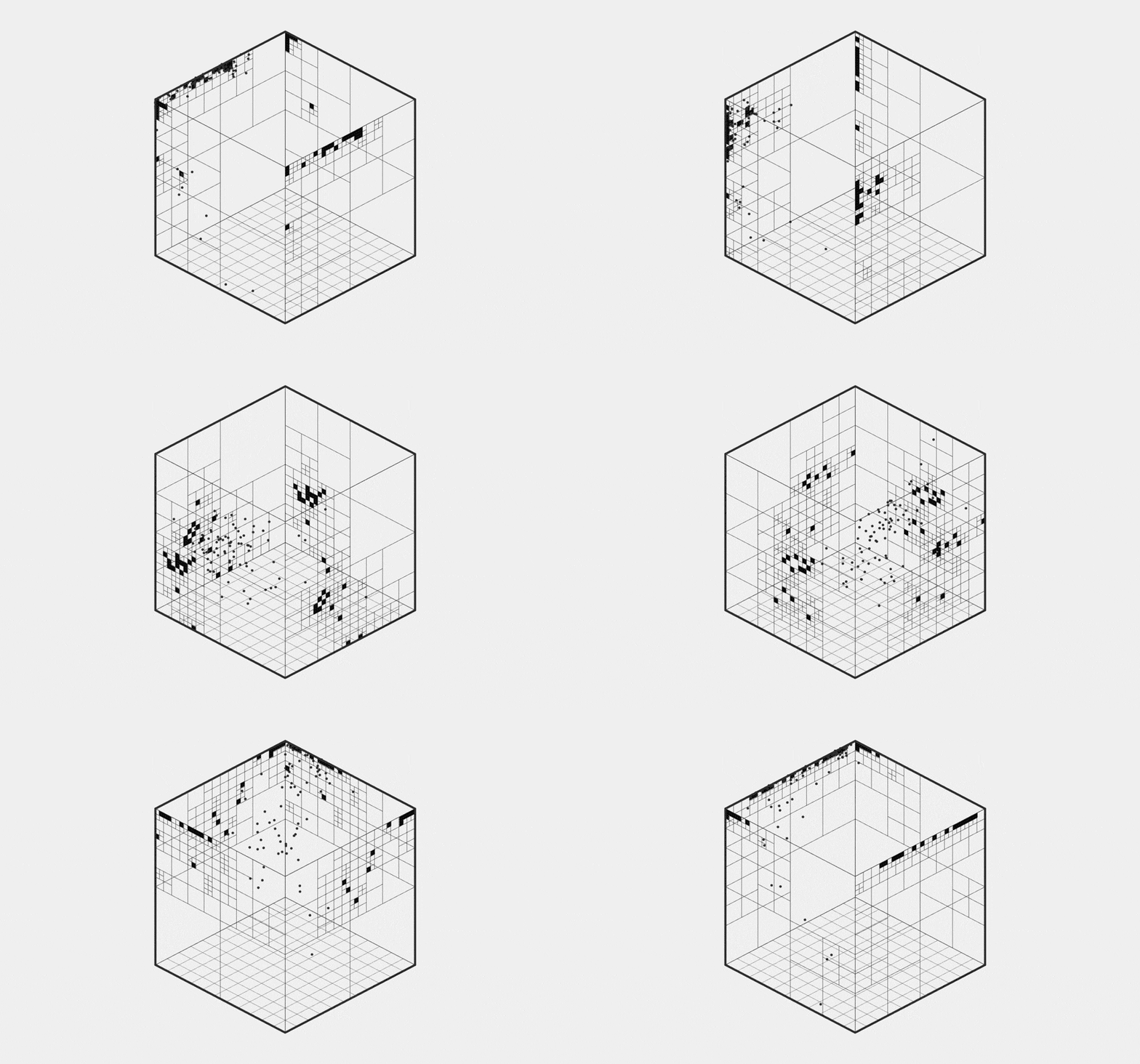
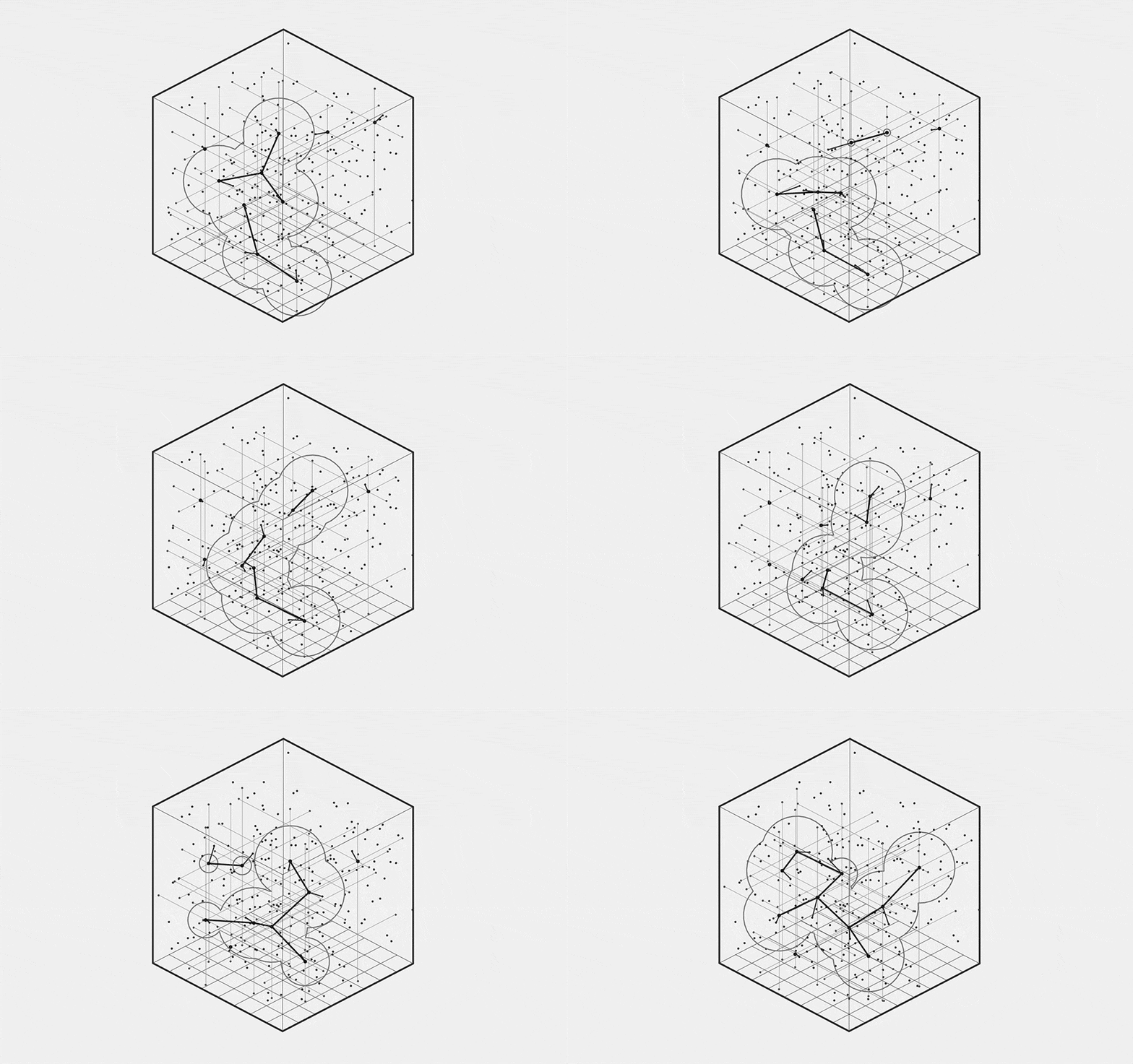
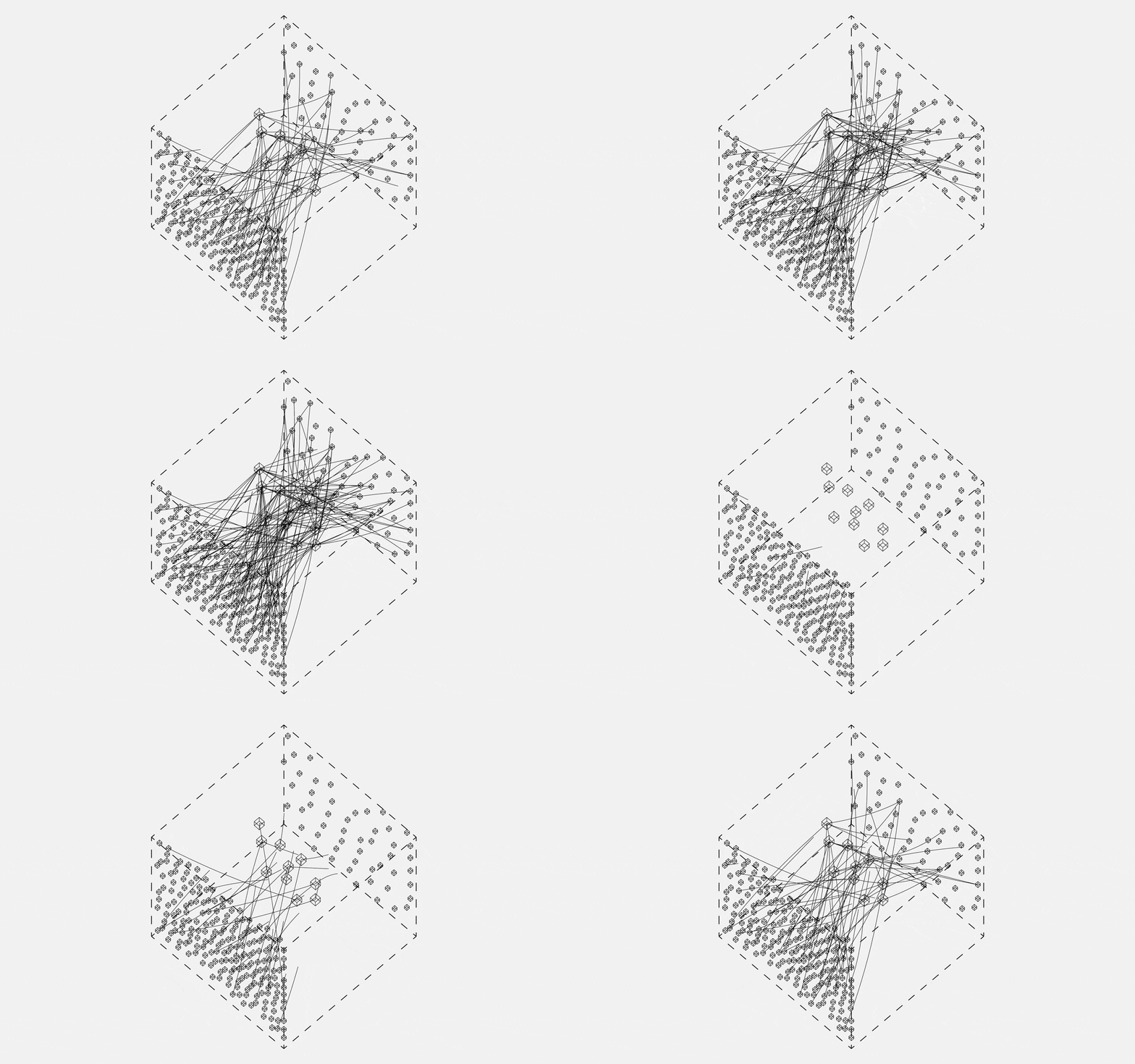
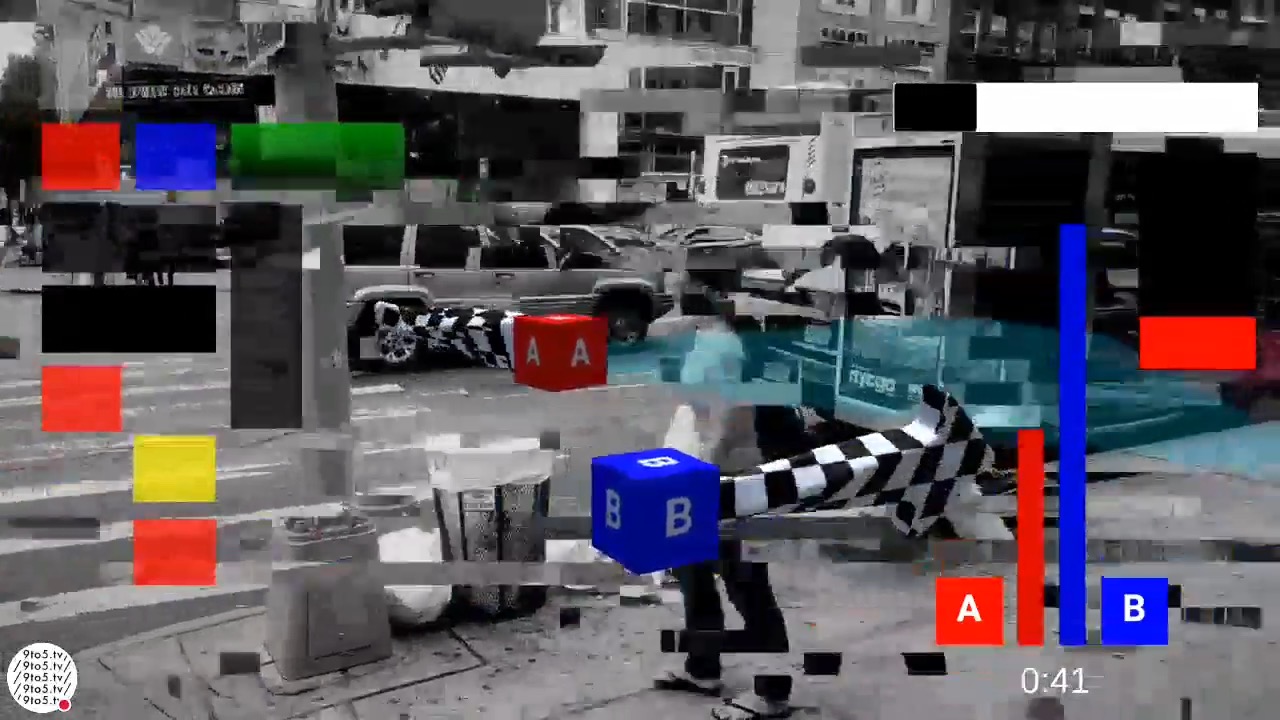
Illustration showing how different types of media, including code, can come together in Activity. Created with p5js and Claude + Gemini.
Every month, we bring you updates on the latest V6 features and fixes.
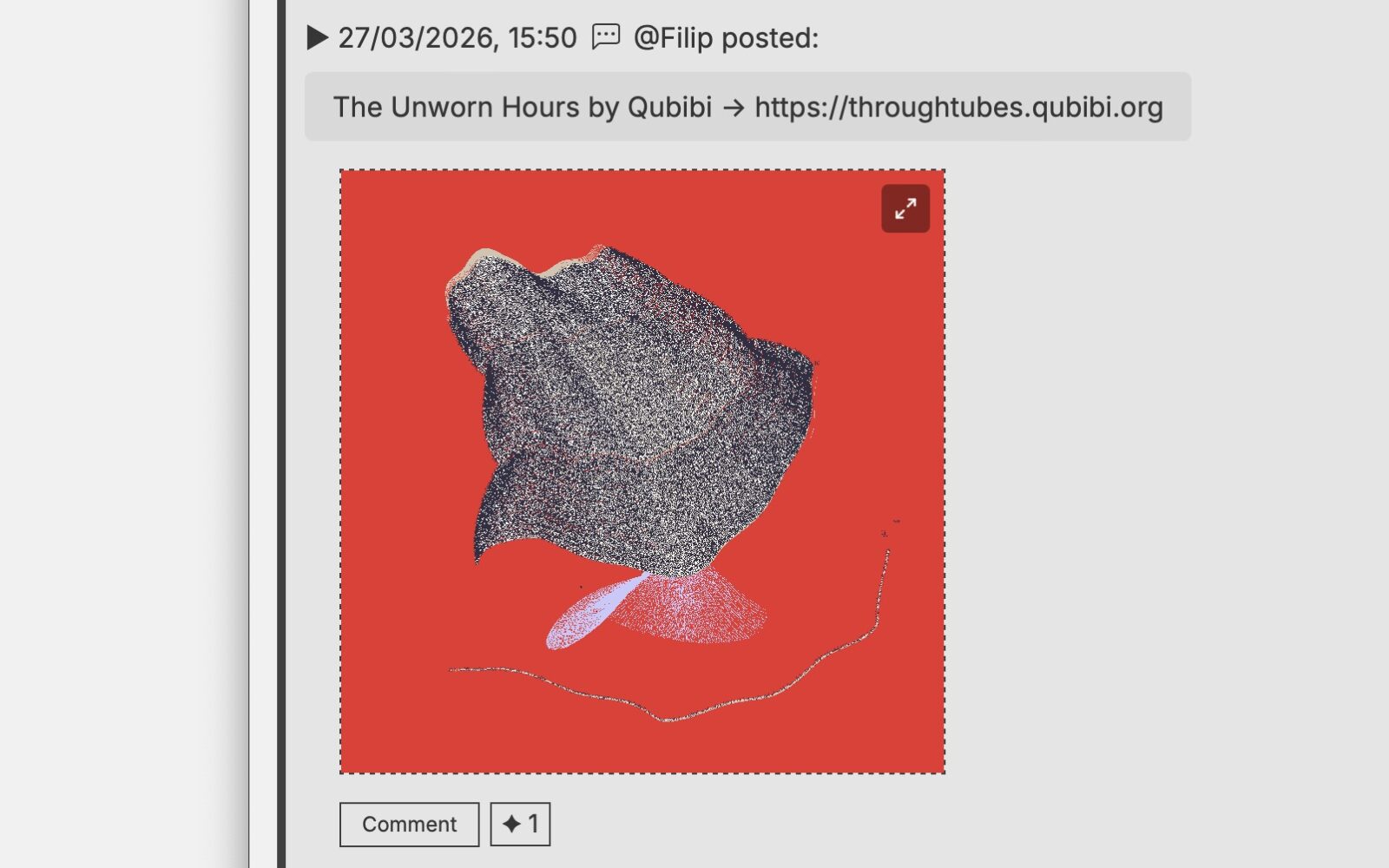
Activity gets a lot more interesting this month, and LiveURLs are the headline. This new feature transforms the Activity feed from a static list into a live gallery, allowing Members to embed fully interactive p5.js sketches, NFTs, videos, and audio directly into their posts. Whatever lives at the other end of that link, Activity will try to show it. No uploading, no converting, no intermediaries. Available on both the Web and iOS, LiveURLs offer a richer way to share experiments, complete with dedicated handlers for different media.
Complementing this are Custom Themes and an expanded API (v2.3). Members can now personalise their CAN experience or share CSS snippets using the new code entry input in Activity, with theme preferences synced via the API. Alongside these updates, the iOS App (v1.5.1) also introduces Analytics and Channels, providing the community with deeper insights into CAN’s pulse.
Activity Media Update
When we added the ability to post directly in Activity, attaching an image was the obvious first step. But we wanted to go further — and do it without the compromises that social platforms typically force on you. No re-uploading, no transcoding, no holding your media hostage behind a walled garden. The source stays where it lives; Activity just opens a window to it.
After a lot of consideration, we landed on iFrames for web and WebView for iOS. iFrames are one of the most versatile embedding mechanisms on the web — capable of rendering almost any content from any source. WebView goes even further, running a full WebKit engine inside the feed, essentially a mini Safari window living inside your Activity card. Together, they let you share almost anything with a single URL.
To keep things clean, we’ve added dedicated handlers for the most common media types. Images, videos, and audio each render in their own way rather than defaulting to a square iframe. Everything else — interactive sketches, p5.js, Three.js, HTML experiments, live code — loads in the default square format, ready to run.
The one limitation worth mentioning: major social platforms are blocked, not by choice but by theirs. Twitter, Instagram and others actively prevent + control embedding. We tried.
Paste a URL. That’s it.
| IMAGE | HTML | MOV | WAV | CODE |
| Share images, work in progress or animated GIFs. | Embed live HTML, websites, p5js sketches, NFT ArtifactURIs, ThreeJs experiments and more. Square ratio with unmute controls. | Video files use the correct ratio, muted with unmute controls. | Audio files are supported with a play bar. No auto-play. | You can also include code with your media |
| Supported | Supported | Supported | Supported | Supported |
| GIF, JPG, PNG | Eveything that a browser can read | MP4 (H.264, H.265/HEVC), MOV, M4V, M3U8 (HLS streaming), WebM-o-VP8 | mp3, m4a, wav, aac, flac, ogg, opus, autoplay disabled | Code </> |
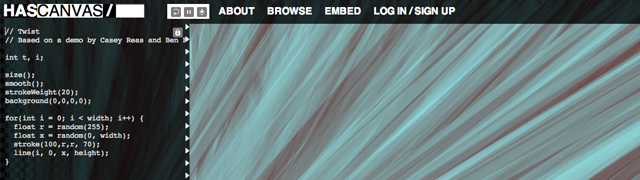
In addition to the media formats, we have also added the ability to add code alongside your Activity entry. This is great if you are sharing a p5.js sketch or CSS for a custom CAN theme.
Custom Themes
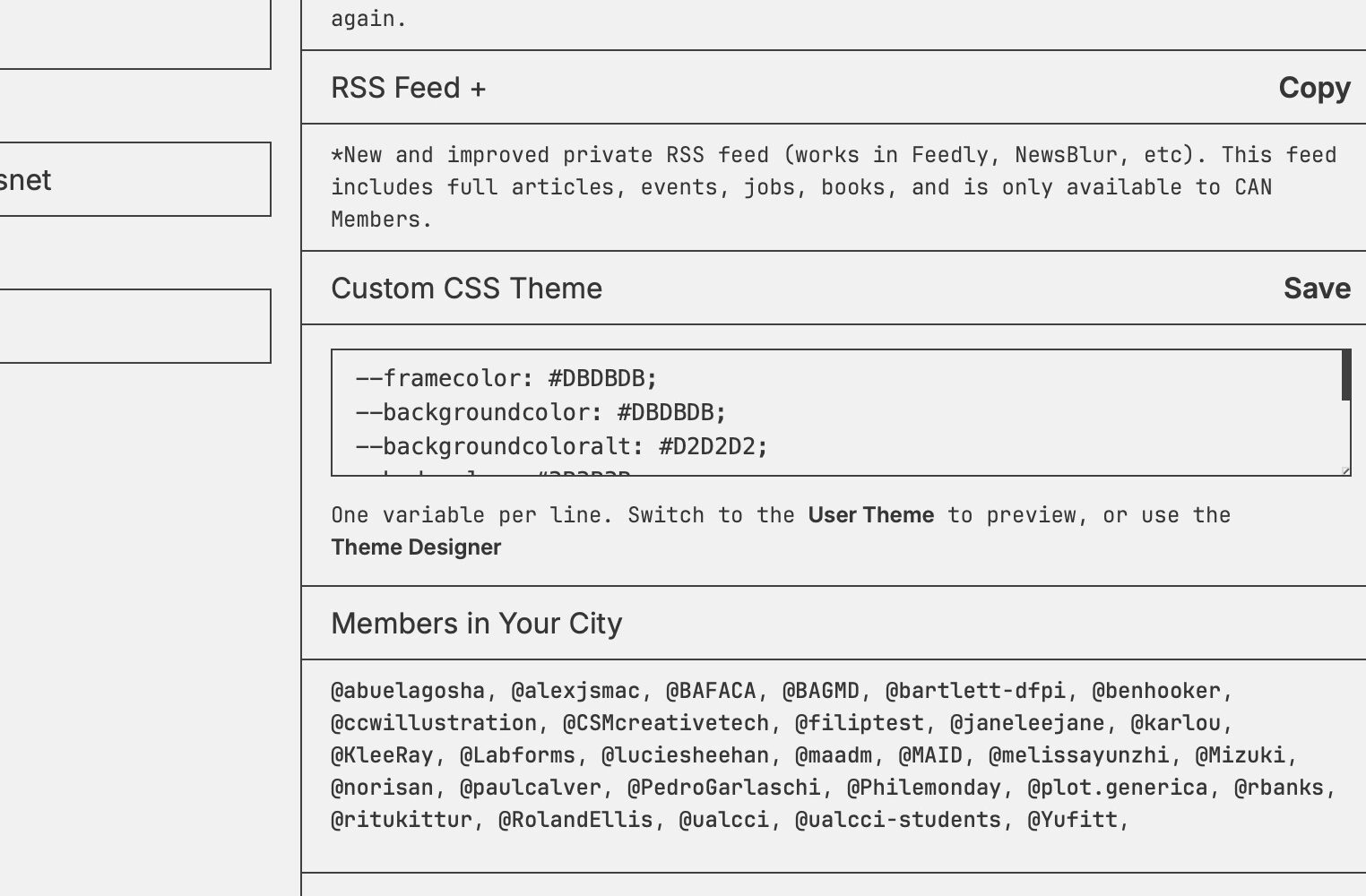
Until now, the five built-in themes were all you had. With the latest update, every member can define their own. Head to /edit-profile/ and you’ll find a new Custom CSS Theme section where you can paste your own colour definitions directly, or open the Theme Designer to adjust values live and see them applied in real time. Define your background, text, borders, links, accents — the full palette is yours to control. It’s also synced to the iOS app. Select the Custom theme in the app, and it automatically pulls your saved definitions. Update your theme in /edit-profile/ and a quick visit to Settings in the app will pull in the latest version.
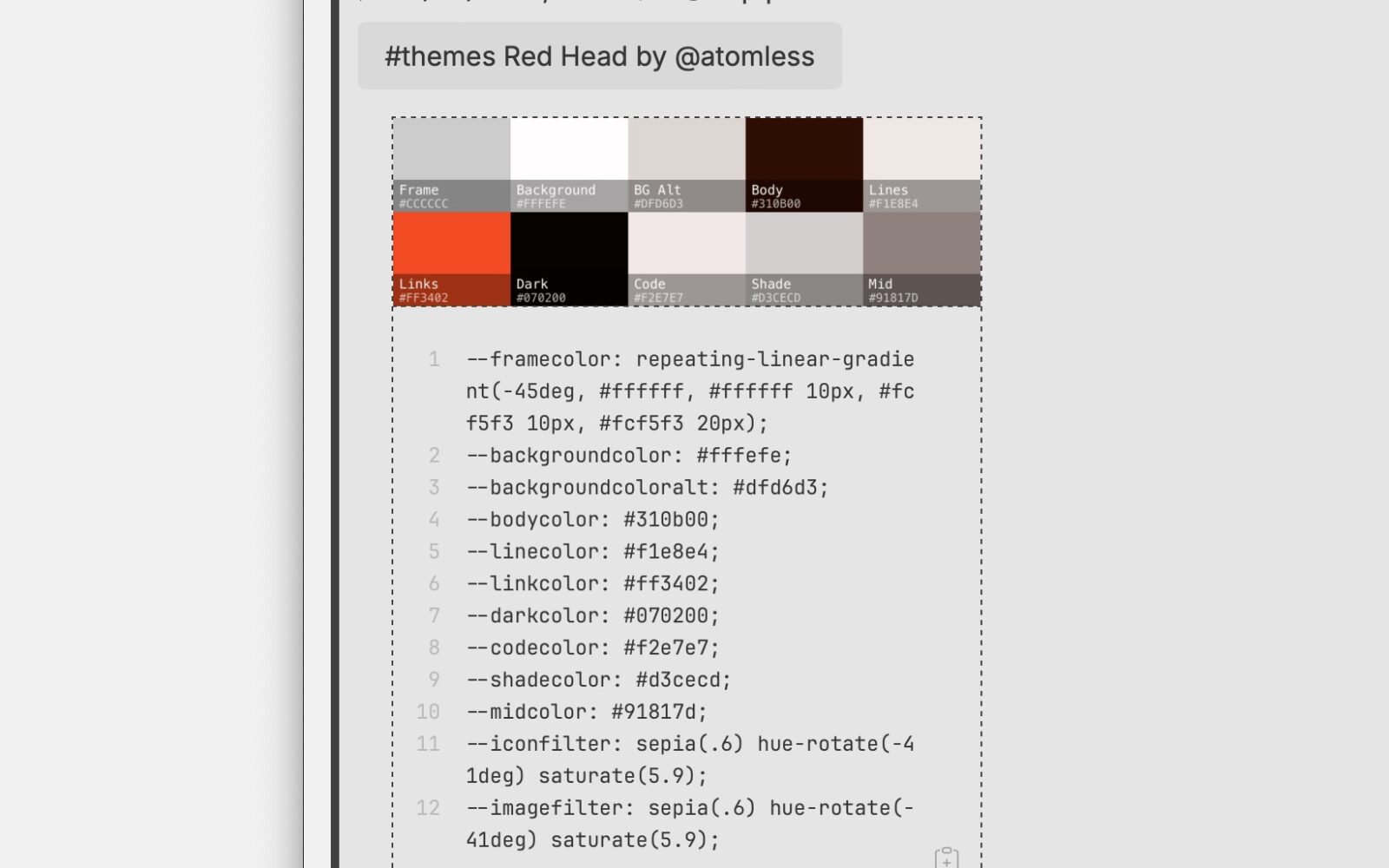
We’ve been generating themes in Activity to show what’s possible — from code-editor classics to Member-built palettes, and everything in between. A few are shared in Activity. If you make one you’re proud of, share the values in Activity — tag it #theme and we’ll keep the collection growing.


Channels
Channels are a way to tag your activity posts with a topic, making it easy for others to find and follow content around a shared interest. To add a post to a channel, simply include a #tag in your post — for example, #tools, #opengl, or #workInProgress. A channel is created automatically the first time it’s used, and you can add up to 5 channels per post. You can browse all active channels in the sidebar under the Channels tab, where they’re ranked by activity. Clicking a channel filters the feed to show only posts tagged with that topic. Channels work across all types of activity — status posts, comments, and more — so they’re a lightweight way to weave related content together across the community without needing a separate space for every conversation.
Full Development Log
27/03/2036
- (activity-ios-1.5.1) Now available! Small theme bug fix + Analytics! Analytics have been in the works for some time, but are now available to everyone for the first time. The page mirrors some of the information available on the Activity about page with additional 7-week charts. Also included is a map with recently seen members with location actions, farmed from the main feed. As you browse the feed, more will appear in this section.
25/03/2026
- (activity-ios-1.5.0) Now available! Bug fixes, performance and visual improvements.
- Custom Themes! Design your own or use examples shared in Activity. See #themes for details.
- Code entry input in New Entry sheet – share code snippets, custom theme css, etc.
- (can-api-2.3): New endpoint: Theme! Returns the authenticated user’s custom theme colour variables. Also included is a new live-url-blocklist endpoint that returns a server-managed list of blocked domains for safe link rendering with liveURLs.
18/03/2026
- (feature) LiveURLs! We can now include interactive/live content in the Activity feed. Whether this is a new project, an NFT, or simply your latest experiment, these are now visible as fully interactive embedded URLs. This feature is now available on the web version of Activity and the iOS.
17/03/2026
- (activity-ios-1.4.2) LiveURLs x New Entry, new feature to add p5js live sketches, websites, NFT artifactUri, videos, audio, gifs, etc. Big social platforms are not permitted (URLs to tweets/posts etc), not because we don’t want to, but because they purposely make this very difficult or block. Includes:
- New Activity Entry now includes an extra button for LiveURLs.
- Preview the URL full screen by tapping the URL once you’ve added it.
- It displays in the main feed alongside your post. Don’t forget to include a link to the project page.
- LiveURLs play inside the main feed and can be expanded to full screen (except images).
- Mirrors the behaviour of posts with LiveURLs enabled.
- Video handler added (MP4 (H.264, H.265/HEVC), MOV, M4V, M3U8 (HLS streaming), WebM-o-VP8, uses correct ratio, muted with unmute controls)
- Audio handler added (mp3, m4a, wav, aac, flac, ogg, opus, autoplay disabled)
- Image handler added (gif + image support with correct ratio)
- SVG handler added
- (activity-ios-1.4.2) GIF Support added. You can now upload animated GIFs using image upload in the app for New Entries.
- (activity-ios-1.4.2) LiveURLs in Activity for Articles. Now, when a new (for example) NFT ‘post published’ entry appears in Activity, you will see a fully interactive embed in the app feed. Applies to new posts moving forward and is visible only in the app. This feature is not available in the web version of Activity.
12/03/2026
- (activity-ios-1.4.1) Release. Features include mostly bug fixes, but have also added a one-line preview of the channel content. You can now also post directly from the channel view into the channel with a pre-filled channel hash.
- (maintenance) After a surge in botnets on the site, a new feature was added to CAN Stealth Bot plugin to auto-suggest IPs to be banned when there are more than 20 IPs on the same subnet.
05/03/2026
- (activity-ios-1.4.0) Release. Bug fixes, performance improvements and..
- Channels are here! Simply write #something in comments or new entries to add to an existing channel or to create a new one.
- Consolidated filters + added new #Channels view.
- Recommended (recent) channels accessible from Comment or New Entry view.
- Visual improvements to the sign-in screen.
04/03/2026
- (can-api-2.2): New endpoint: Channels! They are now active in Activity. You will find a new tab next to Filters: Channels. Simply add a hashtag in your posts or comments, and they will appear in the list.
Lastly, as every month, our Activity map continues to grow, showing member interactions. If you haven’t updated your Location (City), please do so in the /edit-profile/ page under ‘Location’ and see who else is in your city or any upcoming events nearby.
Days (+32)
253Participants (+56)
454Actions (+370)
2,753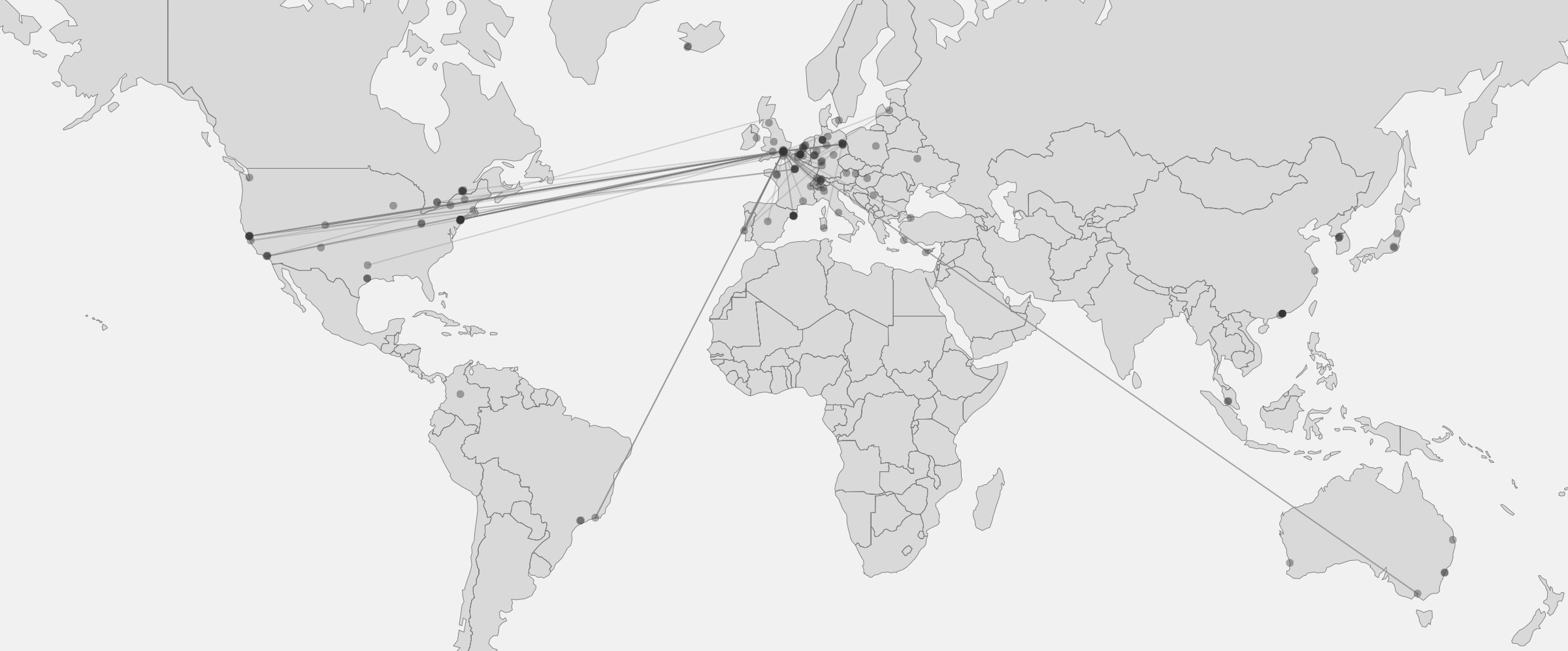
Not a Member already? Please support us by becoming one or by donating. With the personal membership priced at only $20 per year (less than $2 a month), you unlock a heap of community features (like Activity) available only to Members. Please help us keep this platform and community alive, and thriving!
See the previous update here → V6 Development Log (02/2026). All dev-log updates are here.