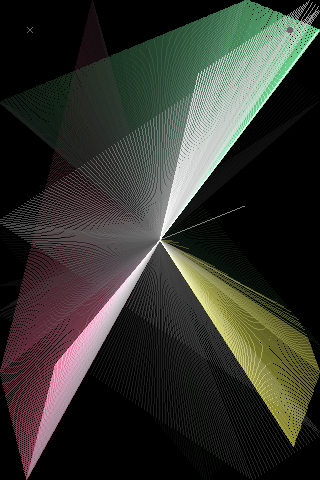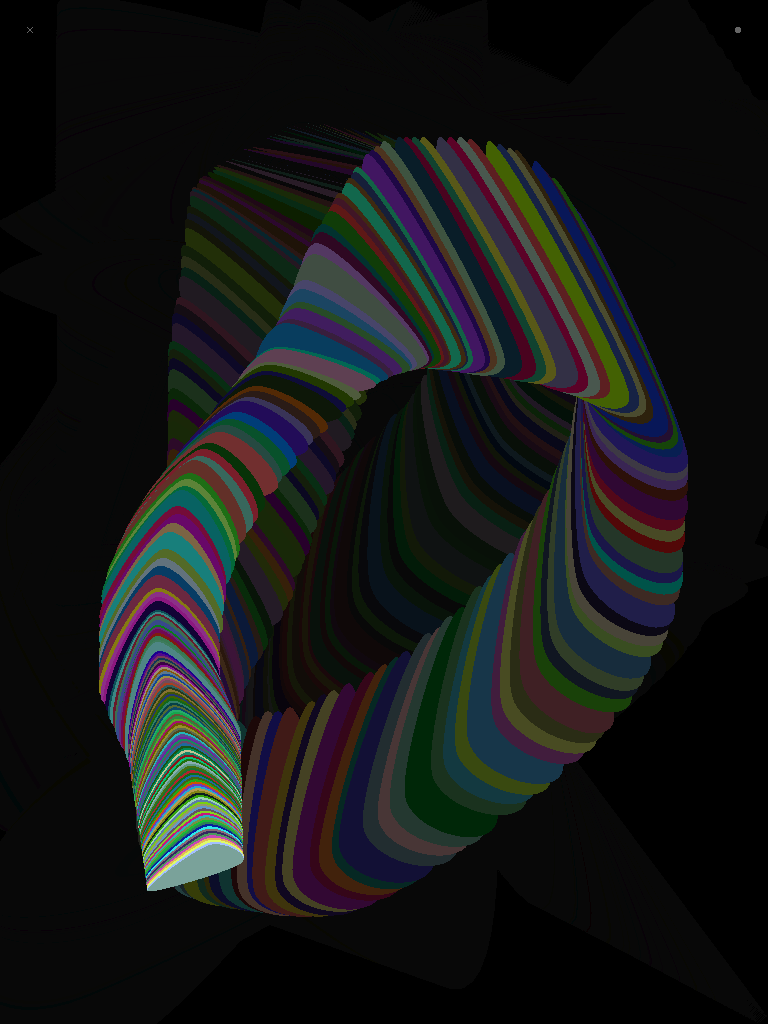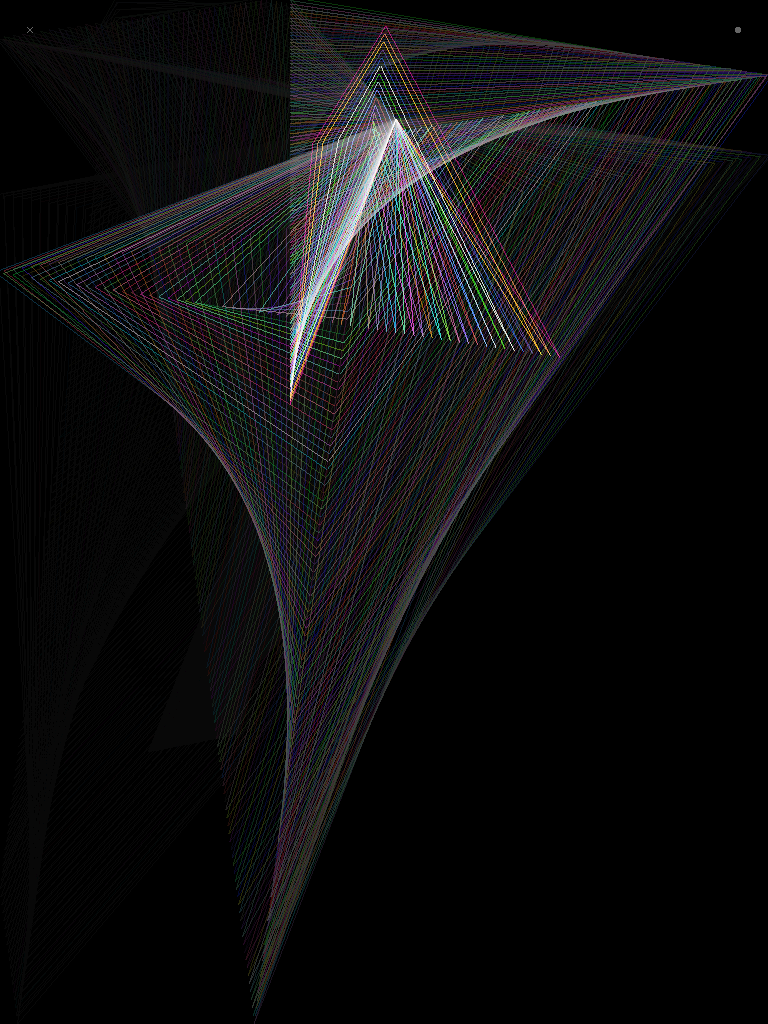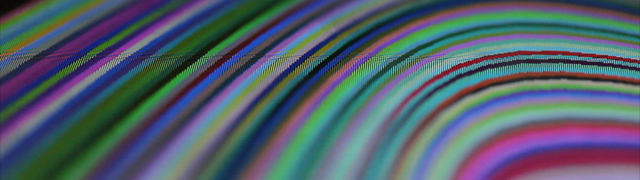
Created by Mike Tucker and published by CreativeApplications.Net, RetroScreen is an interactive incarnation of the older generation screensavers now designed for the iPad / iPhone and iPod Touch. If you can recall the days of endlessly starring at your PC/Mac screen watching the ‘amazing’ graphics and miss the innocence of 90’s computing platforms, you can now indulge your nostalgia with RetroScreen.
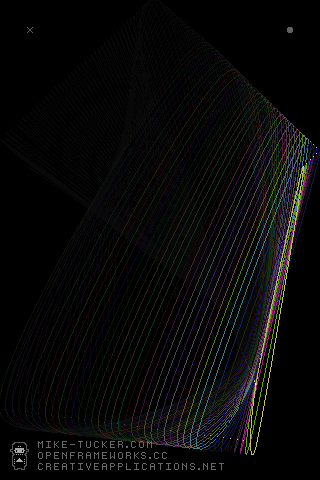
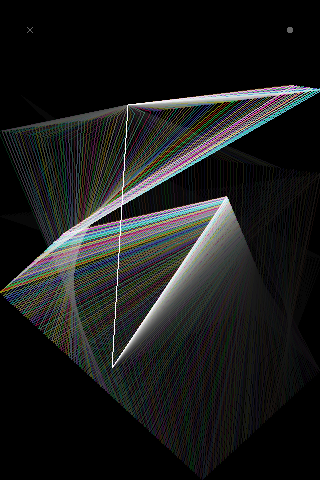
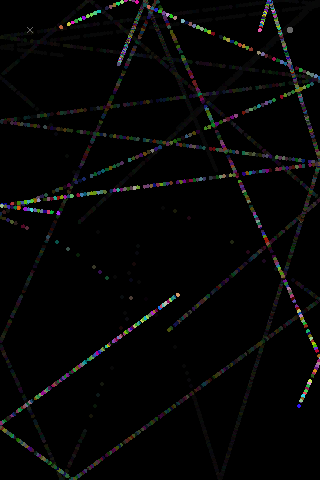
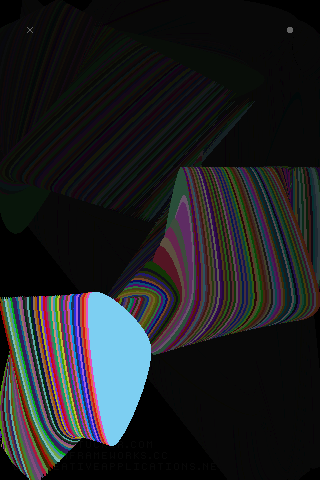
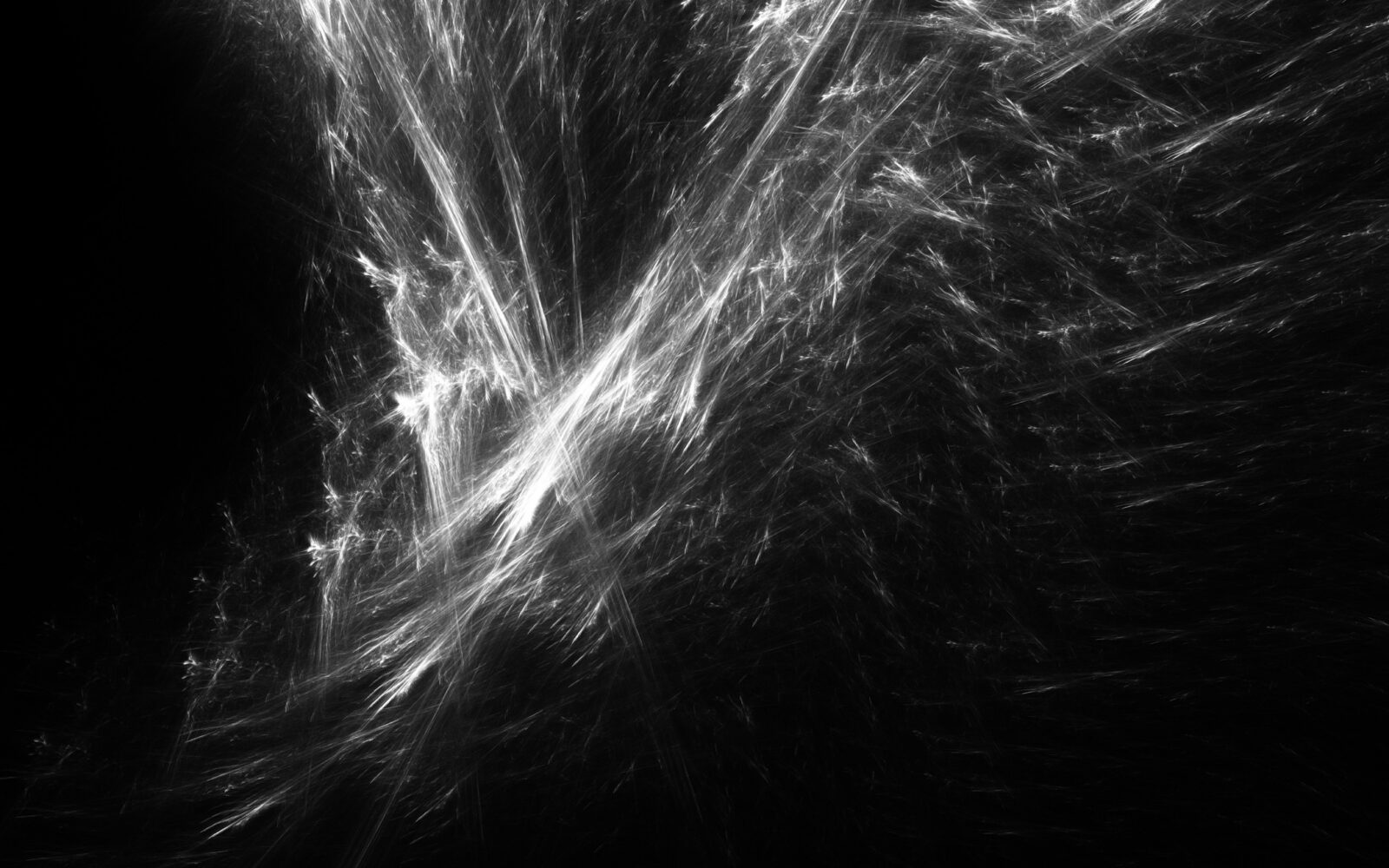
RetroScreen is a collaboration between CAN and Mike bringing you not one but five different modes in RetroScreen, each taking full advantage of multitouch. The first mode includes a deforming curve, second a polygon, third just points, fourth a filled shape and last but not least a line revolving around the centre of the screen. All modes include ability to add additional points resulting in visually stunning output.
Controls:
• Tap and drag to control a point.
• Double tap to delete a point.
• Double tap anywhere else to add a new point..
• And don’t forget, you can take screenshots in any app by clicking Home and the Sleep/Wake button at the same time.
Made with openFrameworks, an open source C++ toolkit.
..a CreativeApplications.Net application.

By purchasing RetroScreen you are also supporting CreativeApplications.Net and we would like to thank you!