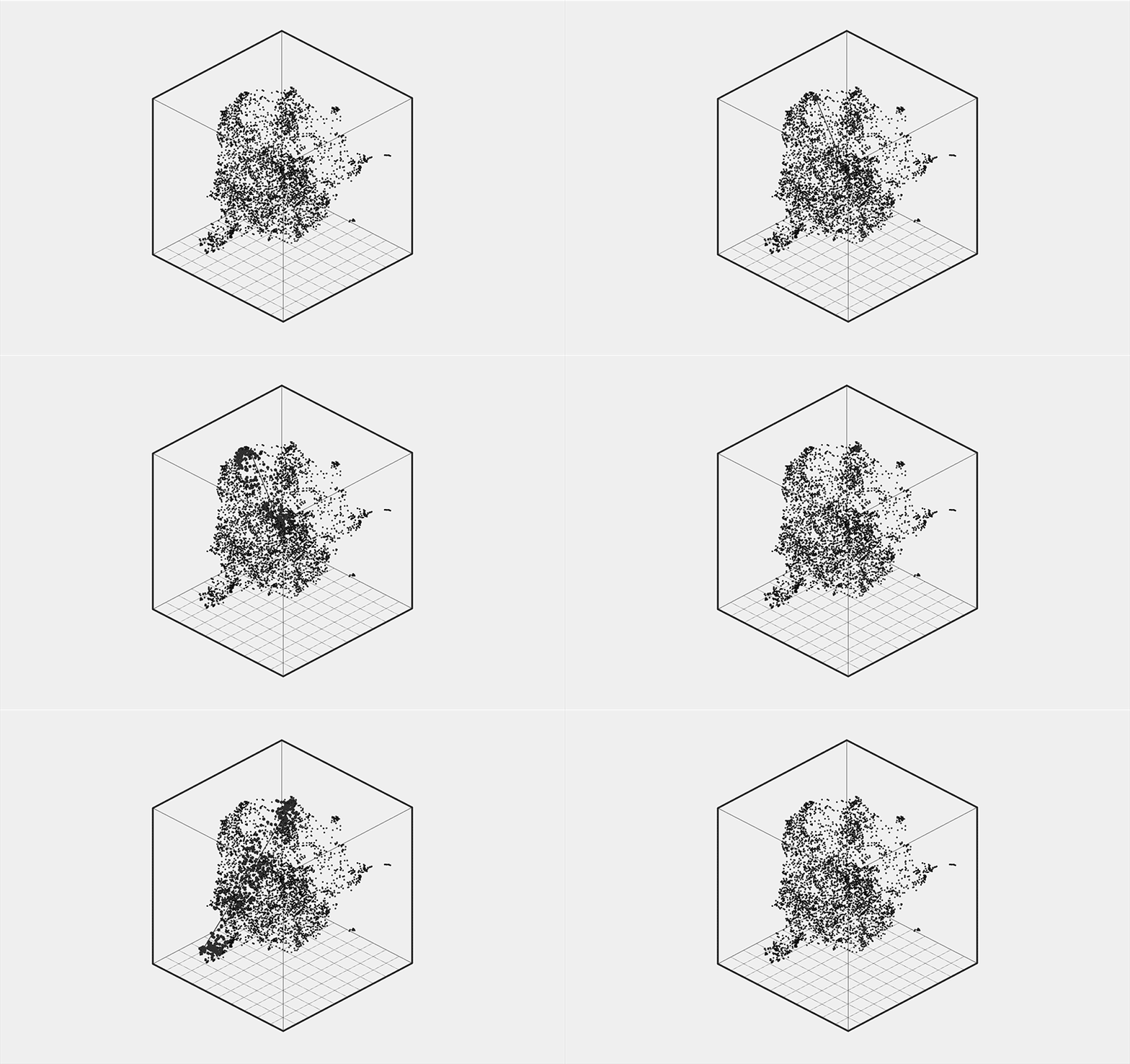
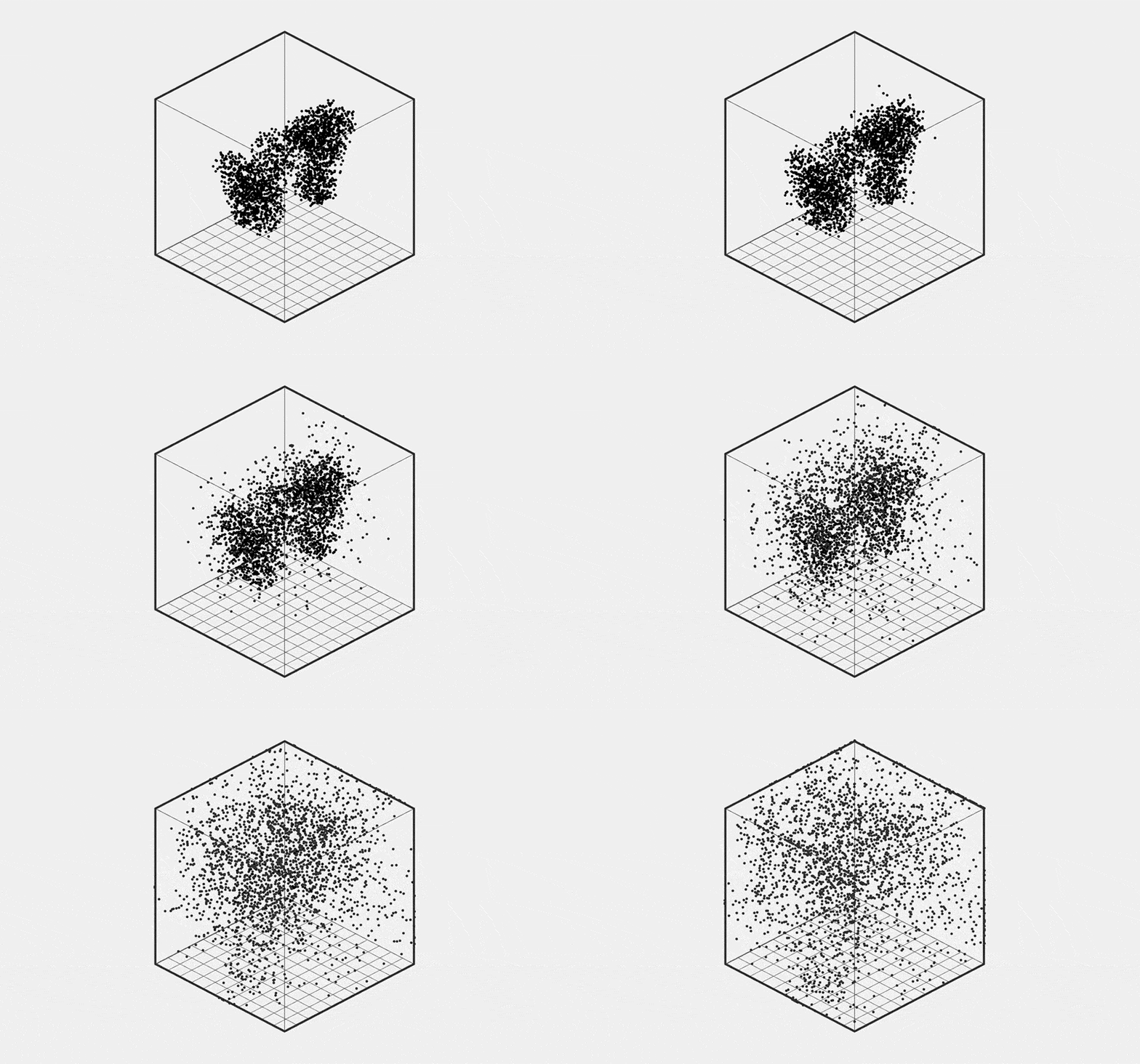
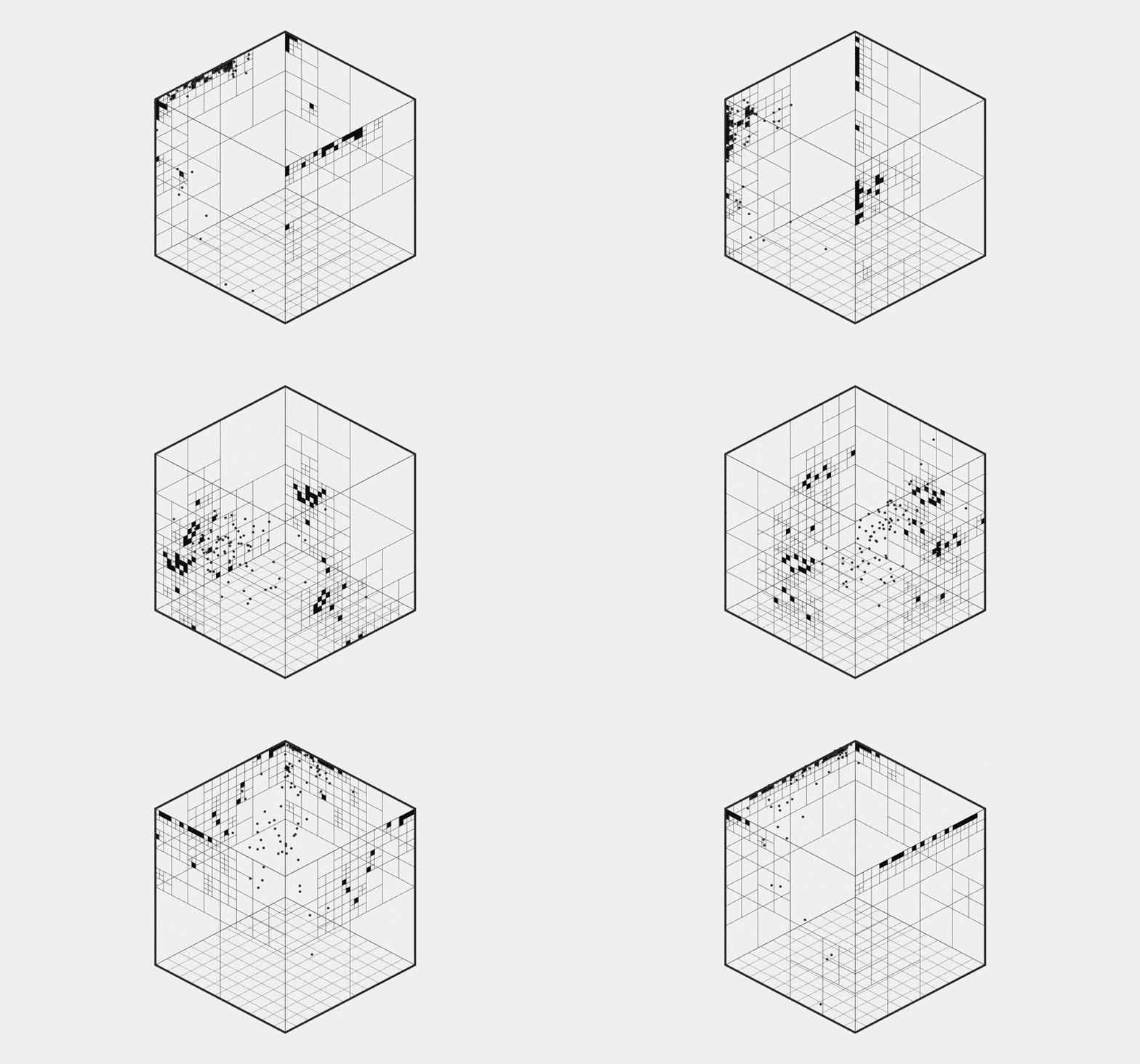
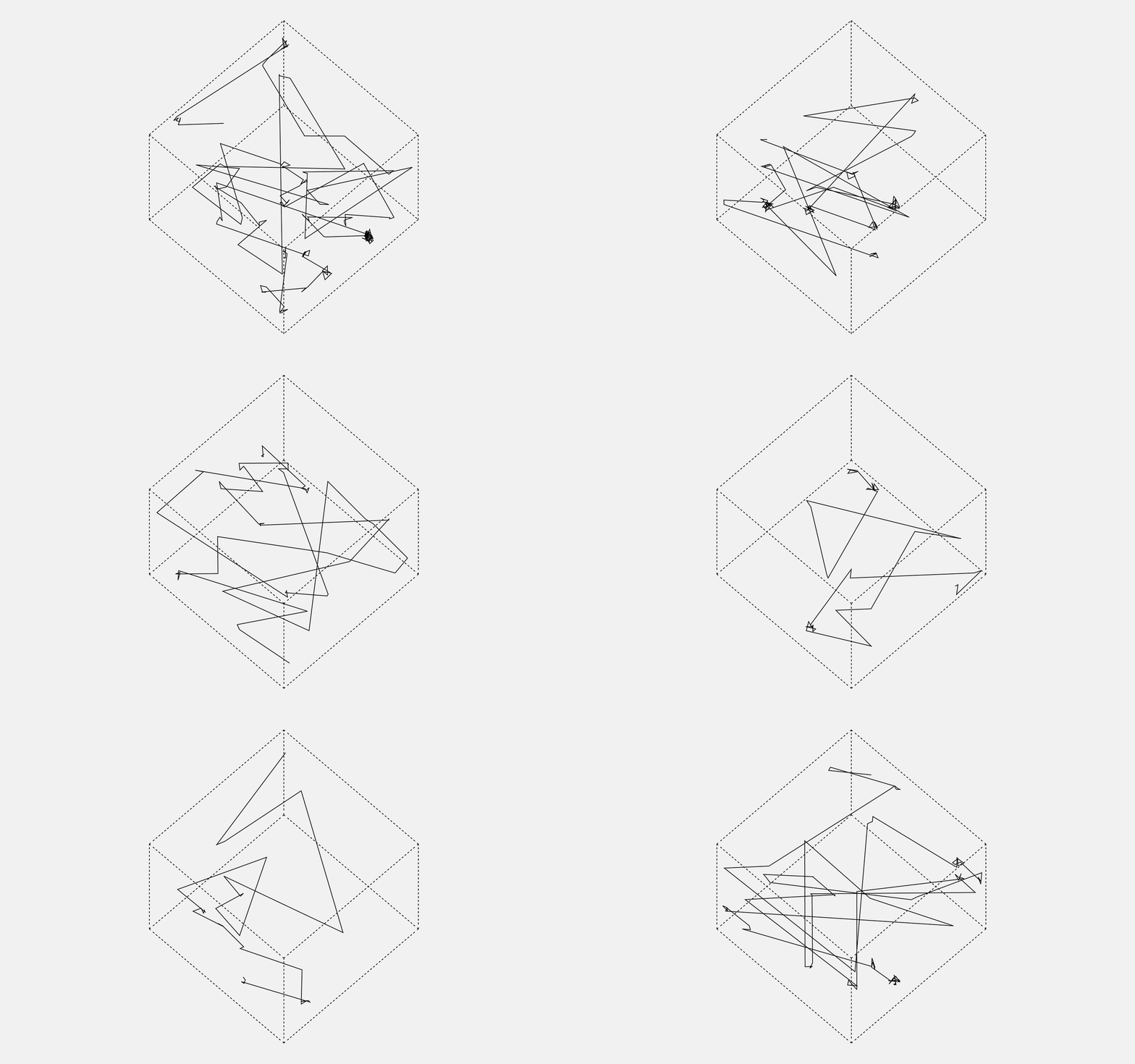
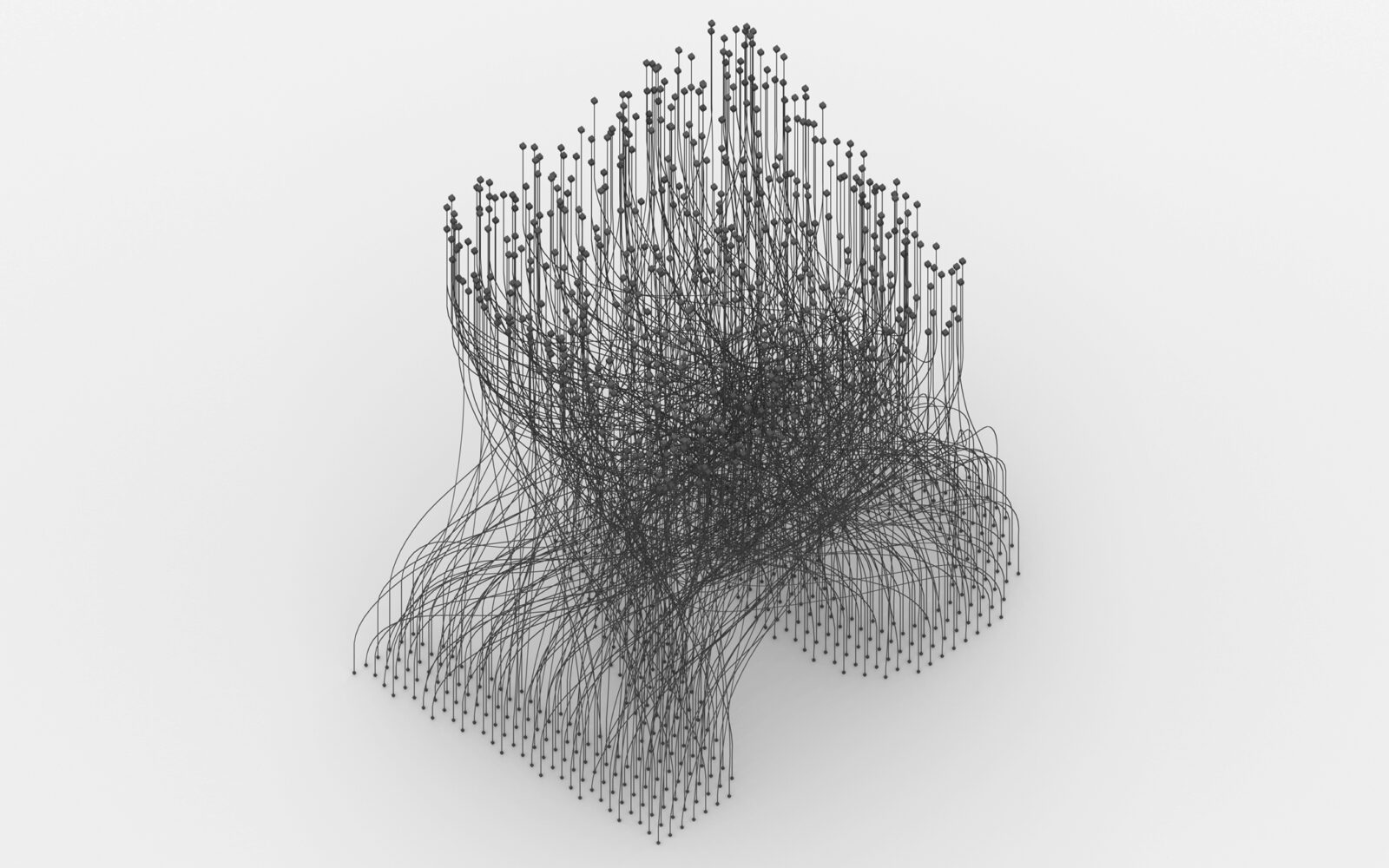
It’s been just over a month since the quiet rollout of V6, and after weeks of fixes, additions, and polish, we’re ready to say it: V6 is here! While there’s still more to do (always is), this is the version we’ve imagined—rebuilt from the ground up, new look, streamlined (and consistent) experience throughout!
Every WP template has been reworked, simplified, and redundant pages removed. We’ve added fun new ways to customise your reading experience, save and share your favourite projects, explore metadata, and navigate the CAN Archive with interactive visualisations. You can now generate shareable images of your favorite projects, filter views your way, and browse faster with a (smart and fast) quick search.
Most importantly, articles are no longer locked behind a login. Anyone with a direct link can now read and share the work archived on CAN—spanning over 16 years of innovation, creativity and collaboration.
So, where are all these things, the details, and what is next for CAN?
Cleanup
- New look, building on the we have done in the past, slightly little retro with the all-new tech.
- WordPress theme rebuilt from ground up. Not a single template hasn’t been re-touched/re-done and optimised.
- Removed redundant pages, eg no more jobs archive or job-board, dashboard, it’s just php/javascript/css magic in the template files.
- Member Dashboard is now in the sidebar when you login. Find latest entries / submissions / saved / discord are all there.
- We have reduced the number template dependencies by 50%, meaning more consistency throughout.
- Categories have been revamped, reduced to 10, most projects now attributed to
projectscategory. Previous categories such as games, robotics are now tags. - Simplified top menu, just the things that are important.
Features
- Customisation in feeds (home/filter/search). Have them how you like, grid / list / excerpts / meta / titles… saves your preference.
- Tools and People now have new viz included.
- Super-fast quick search in the header (hit return for full search).
- Metadata in home / archive / search rebuilt now with some Chart.js goodness.
- Save your favorite projects and share them without restrictions. Buld lists, clear, start anew.
- Featured members, on the front page.
- Member submissions are now treated the same as contributions/all other entries.
- New Chart.js archive browser on the /Archives page. Way faster and more friendly than the p5js version we built ages ago.
- Share articles, text or generate image.
- Locations – add your location to see other members in your city. You need to update your profile for this to work. See also map on /community.
- New p5js (refreshed) logo in the footer

You can now use Switches to hide titles, excerpts or metadata. You can also turn all the thumbnails into black and white. All of this is accesible from the sub menu and applied to the front page, archives, profiles, authors and tool pages. Your preference is stored in your browser localStorage.

Metadata is a powerful tool to see the relationships between people, projects, tags and tools. This section shows you all the data combined for the current view, ie how many projects are being displayed. Clicking on the next page will reload these for that next collection of projects. Dig deeper into taxonomy by choosing one of the tags / tools / people / authors.

Saved is an amazing (but simple) way to share projects on CAN. In addition to just keeping a collection of projects for yourself, you can also share them as lists with your friends, or on social media. Access to those articles is unrestricted so anyone can read and enjoy them regardless of whether they are logged in or not. Great for sharing with students/clients.

In addition to copying simple name, year and url of the article, you can now also generate an image to use on social media or for yourself. Simply click on ‘image’ link and we will generate the image for you (all done with php). Resolution of these images matches perfectly the size of Live stories on Instagram so easy to share in your feeds.
Taxonomies
Taxonomies are the new backbone of CAN. Over the last year we have re-catalogued most of the articles on CAN and rebuilt existing and applied new taxonomies. Taxonomies are what holds everything together on CAN, tells stories of craft, determination and innovation in our field and beyond.
With the advent of AI, authorship and craft are being erased, and we believe it has become critical to highlight detail and care that goes both in the making of these tools and their application (people). One place where we have tried to do this the most are People and Tools revamped pages. Our most recent taxonomy Tools, is growing daily, and is a fantastic way to get to know CAN. Note the new additions, Air, Liquid, Concrete, treated just the same as Raspberry-Pi or Houdini. Note the visualisations acomaning these taxonomies, made available by parsing the data available which is available for anyone to use. There is only more to come..

New People Visualization shows the relationships between different people when they worked together on projects (mentioned together in articles). Its a fun way to navigate CAN archives and selecting a name will automaticly filter names above. An option for Connections allows you to show only those with most connections vs everyone. Changing it to Everyone will show also People without connection –– solo projects.

On the Tools page you will also find a new visualization that shows the relationship between different People via the tools they use. The connections occur when the person is associated (used) that tool. You can manipulate the density here, for example 1/3 showing only a third of the people on CAN. Changing it to 1/1 will show all the 2k+ people featured on CAN since 2008.

Access
Articles are no longer locked. If you have a direct URL, you can read it (logged-in or not). This means that anyone can also share articles with everyone else. This has been something we wanted to do for a very long time and finally found a good way to do it. What is managed (gated) is the way you get to those articles (archives > 2 years) but not the articles themselves. If you are a Member, you can make any article available to everyone by simply sharing the URL directly or via the Saved feature. It has always been important to us that as many people as possible have access to CAN content. Amazing work has been done in the last 16 years, too easily forgotten, then repeated, but now accesible to all.
More
In case you missed other announcements over the last few months, there have been a heap of features we already added to CAN that are just as much part of V6. Members now have access to Full Content RSS Feed, a new Discord server, Tags have been optimised from 6,000 to 1,800, new Community page, new Books section bringing you latest releases and important literature. If you teach, and are a CAN Member, you can now also create educational accounts for your students. CAN Data (CSV) is now also available to build visualisations and understand CAN archive better. So much has been done in the last year but equally there is still so much left to do, especially in the area of thematic taxonomies and past projects not yet documented on CAN.

Futures
Earlier this year we also launched our annual call for support where we shared our 2025 roadmap. We are four months into the year and jumped on the V6 in a leap of faith for your support. We are extremly grateful for the support we have recieved from our Members over the years but moving forward, much of what we do next will depend on whether we can reach our goal or not. There are so many things we still want to do with CAN, but we desperately need your support.
If you are not a CAN Member already, you can support us in two ways: by becoming one or by donating. With the individual membership priced at only $20 per year, billed annually, you unlock plenty of features available only to Members. Alternatively, with a donation directly to CAN, you are aiding us in keeping this platform and community alive, and thriving, for years to come.
Thank you! ♥︎