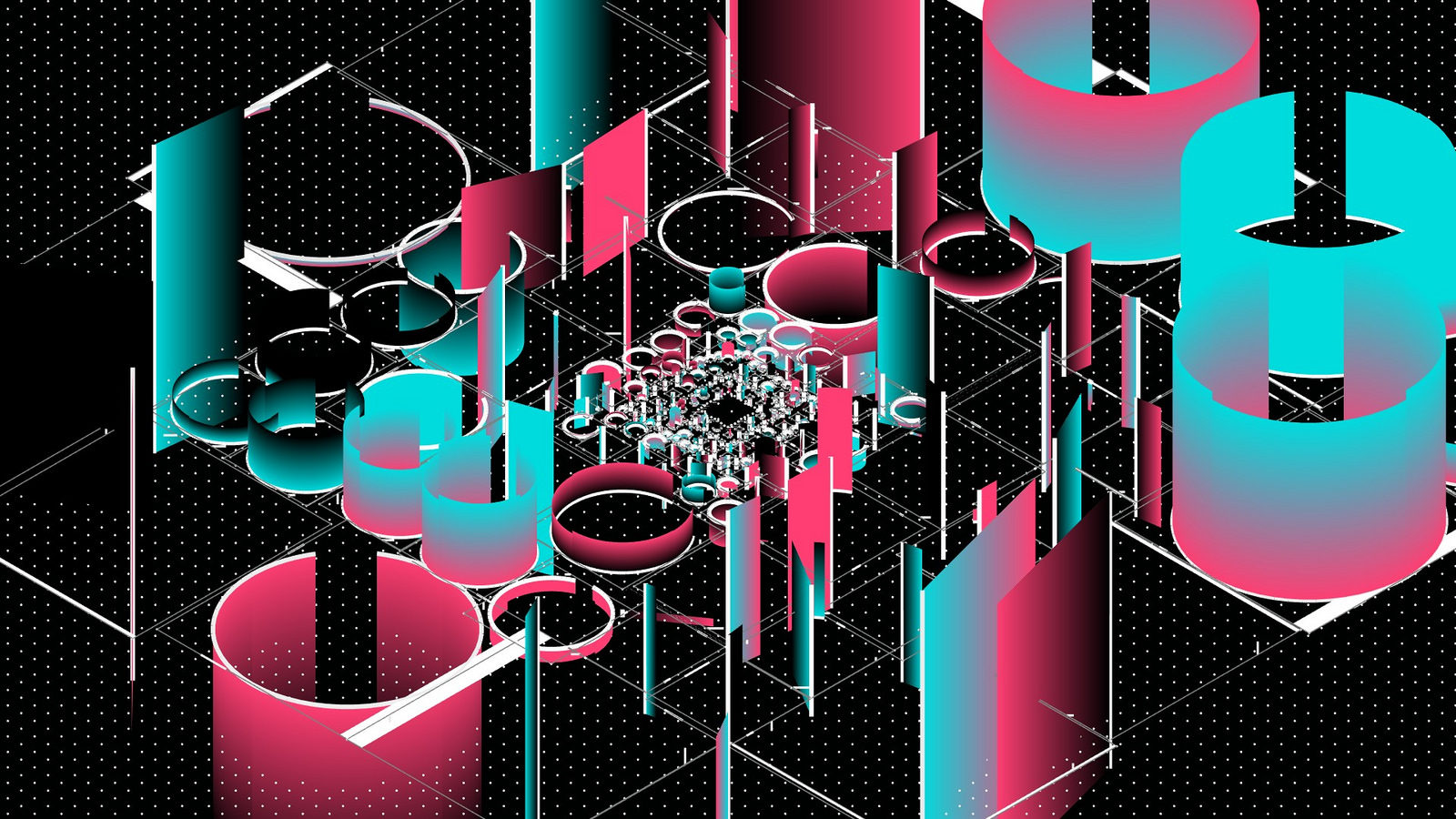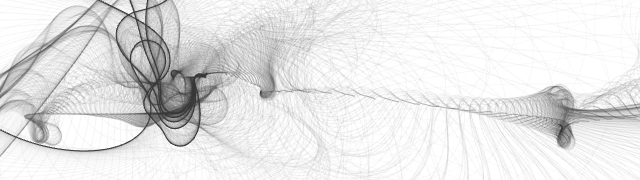

Created by Mario Gonzalez and currently in development, RibbonPaint is a drawing application for OSX. Instead of resorting to traditional brushes, RibbonPaint uses a ribbon like shape, always deforming as a drawing element. As you move your cursor across the screen you are continuously deforming the ribbon (the brush), trails are left behind on mouse down. Different colour modes are also included although I thought I’d stick to black and white with my examples, too beautiful to spoil with colour (right click – open in new windows for full size goodness).
The idea behind RibbonPaint is to create a paint brush that could not exist in real life. Based on the movement of a ribbon, a small hand movement is exaggerated as the energy moves outward. Amplifying relative force on each segment, while decaying its absolute force. It is inspired by a few young kids I saw playing in the park with long ribbons during the summer.
Applications includes 9 parameters that can be modified; BristleCount ( how many bristles the brush will contain ), BrushRadius ( radius of the brush), FilamentSpacing ( space between each brush filament – note it fans out toward the ends ), FilimentCount ( how many brush filaments ), FrictionMin ( how the brush moves ), FrictionMax ( how the brush moves ), Gravity ( applies constant downward force to the brush ), ChaseSpeed ( how fast the ribbon chases your mouse ), Alpha ( Opacity of ribbon when painting ). In addition, pressing the letter S will save a PNG file to your home folder alongside with a text file that contains all your settings. Should you want to use those settings again, all you need to do is drag and drop the .txt file onto application’s windows (thank you Cinder!).
Available soon at ribbonpaint.com
Created with Cinder